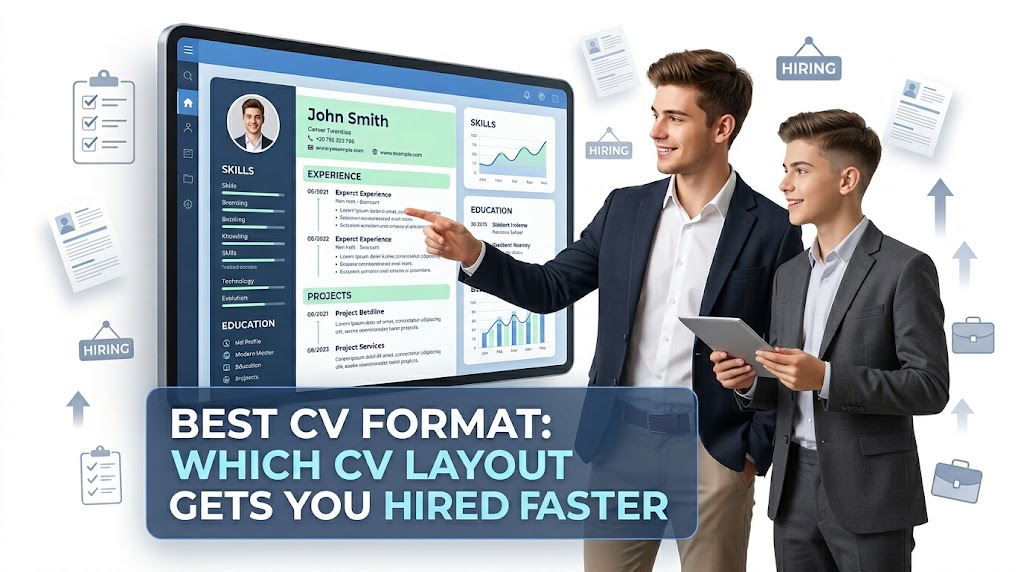
Best CV Format: Which CV Layout Gets You Hired Faster
What is the best CV format and why does it matter?
A best CV format is the structure and layout that presents your skills, experience, and achievements in the clearest way so a recruiter can quickly understand your value. Imagine a hiring manager scanning 100 CVs in one day. If your CV is messy, they skip it. If your CV is clean and structured, they stop and read.
For example, a fresh graduate applying for a job may have good skills but fails to organize them properly. Because of poor formatting, their CV looks weak even if their ability is strong. This is why choosing the right format is not only design, it directly affects whether you get shortlisted.
The right format helps you highlight your strengths, hide weaknesses, and guide the reader’s attention.
Which CV formats are most effective for getting hired?
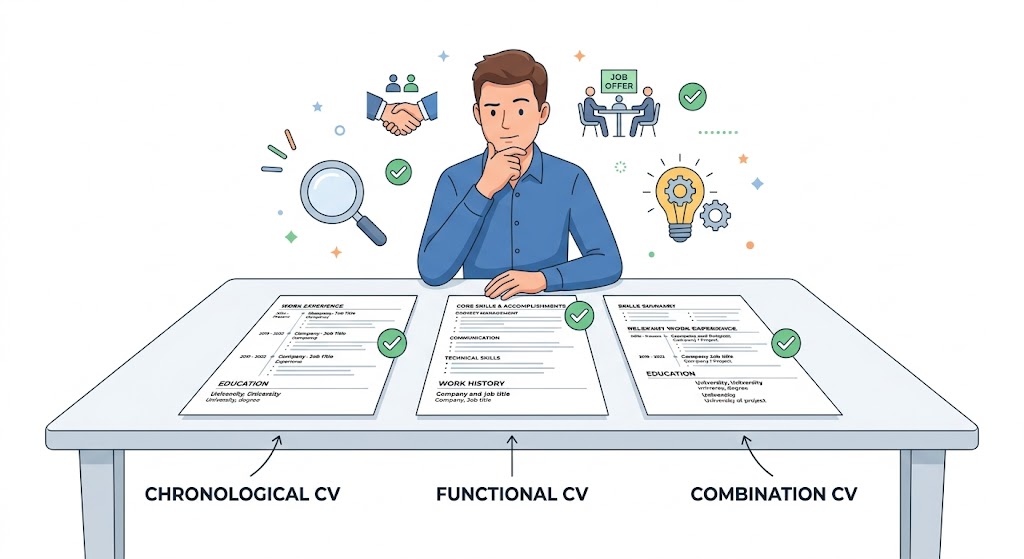
There are three main types of CV formats. Each one works best for a different situation.
Chronological CV Format
This is the most commonly used format. It lists your work experience starting from the most recent job.
Best for:
- People with steady job history
- Professionals with experience in one field
Why it works:
- Recruiters easily see your career growth
- It looks professional and standard
Functional CV Format
This format focuses on skills instead of work history.
Best for:
- Beginners with no experience
- Career changers
- People with gaps in employment
Why it works:
- Highlights what you can do instead of where you worked
Combination CV Format
This is a mix of both skills and experience.
Best for:
- Freelancers
- People with strong skills and some experience
Why it works:
- Shows both ability and proof
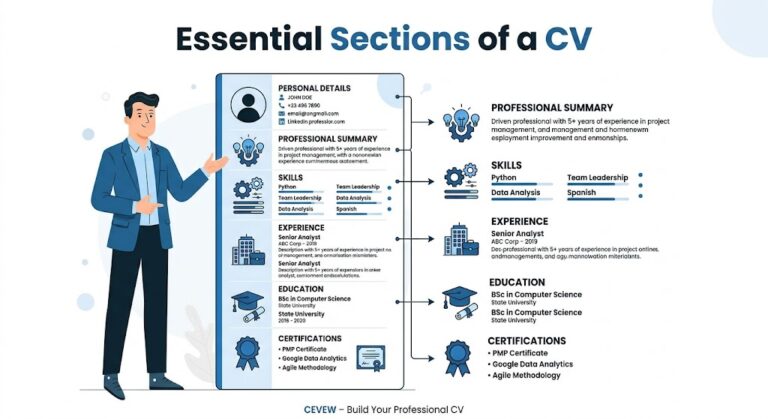
What sections should a best CV format include?
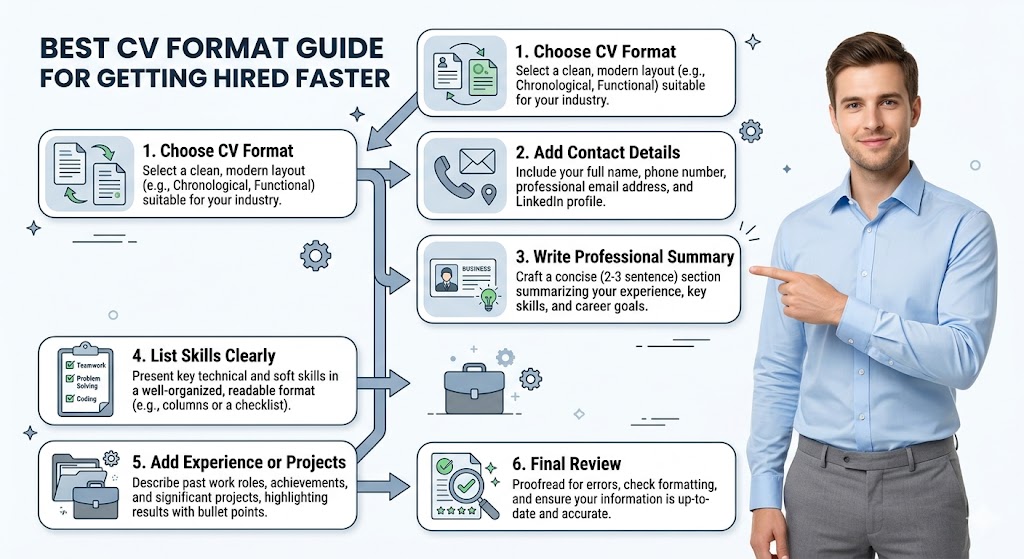
A strong CV format always includes these key sections. Each section should be clear and easy to scan.
1. Contact Information
- Full name
- Phone number
- Email address
- Portfolio link if available
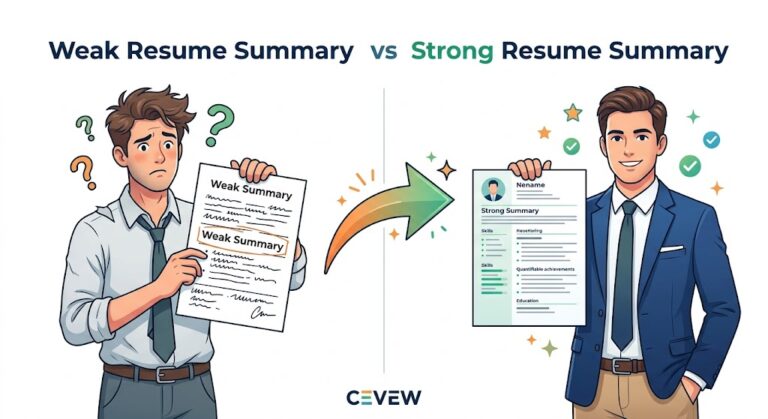
2. Professional Summary
This is a short paragraph explaining who you are and what you offer. Keep it simple and direct.
Example:
A motivated web developer with basic SEO knowledge and experience in building simple websites.
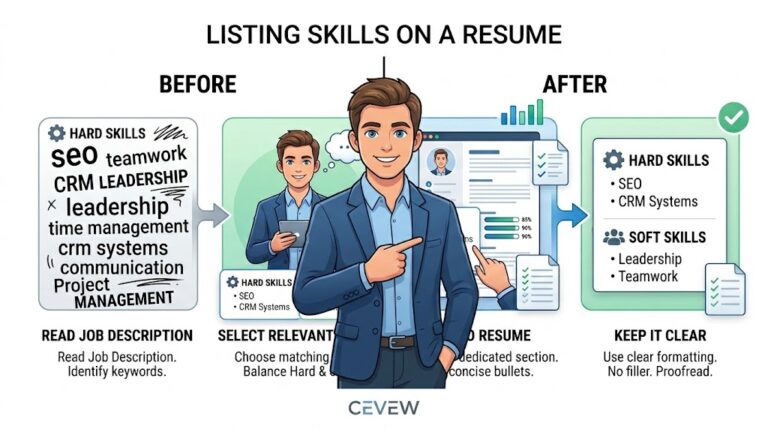
3. Skills Section
List relevant skills clearly:
- Technical skills
- Soft skills
- Tools you use
4. Work Experience
Add your jobs with:
- Job title
- Company name
- Dates
- Key responsibilities
5. Education
Mention:
- Degree
- Institution
- Year
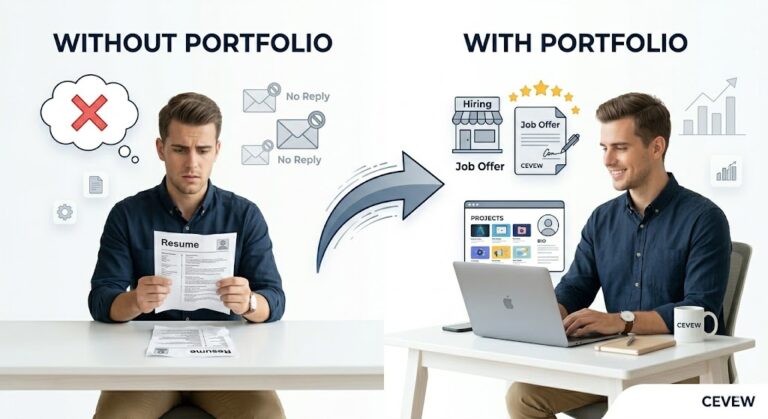
6. Portfolio or Projects
If you have projects, always include them. You can easily create your CV online and add your portfolio link to make it stronger.
How should you format your CV for better results?
Formatting is not about design only. It is about readability.
Follow these simple rules:
- Use a clean font like Arial or Calibri
- Keep font size between 10 and 12
- Use bold for headings
- Keep margins balanced
- Avoid too many colors
- Use bullet points instead of long paragraphs
Think of your CV like a newspaper. If it is easy to read, people will read it.
What mistakes should you avoid in CV formatting?
Many people lose job opportunities because of simple mistakes.
Avoid these:
- Too much text in one section
- No proper headings
- Using fancy fonts
- Adding irrelevant information
- No clear structure
- Spelling mistakes
For example, if a freelancer adds random projects without structure, it confuses the recruiter. You can Explore this CVs Guide Section for detailed understanding.
How does the best CV format help different people?
Example 1: Beginner with no experience
A student who just finished school may not have job experience. In this case, a functional format works best.
Steps:
- Start with a strong summary
- Add skills like communication or basic computer knowledge
- Include school projects
This shows potential instead of experience.
Example 2: Student applying for first job
A college student applying for an internship should use a combination format.
Steps:
- Add education first
- Highlight skills
- Include internships or small projects
This balances learning and ability.
Example 3: Freelancer building a portfolio
A freelancer should focus on skills and real work.
Steps:
- Add skills section
- Include project links
- Mention client work
You can also learn the difference between CV and resume to choose the right structure.
This helps clients trust your work quickly.
Which CV format gets hired faster in real life?
In most cases, the chronological format works fastest because recruiters are used to it. However, the best choice depends on your situation.
- No experience → Functional
- Some experience → Combination
- Strong experience → Chronological
The goal is simple: make your strengths easy to see in seconds.
FAQs
What is the best CV format for freshers?
The functional format is best because it focuses on skills instead of experience. It helps beginners show their potential clearly.
How long should a CV be?
A CV should be one page for beginners and up to two pages for experienced professionals. Keep it short and relevant.
Can I use the same CV format for every job?
No, you should adjust your CV based on the job. Highlight the most relevant skills and experience for each application.
Conclusion
The best CV format is not one-size-fits-all. It depends on your experience, skills, and career goals. A well-structured CV makes your strengths clear, improves readability, and increases your chances of getting hired faster. Focus on clarity, keep it simple, and always match your format with your situation. Start improving your CV today and present your skills in the best possible way.