How to Create an Online Portfolio
How to Create an Online Portfolio from Scratch
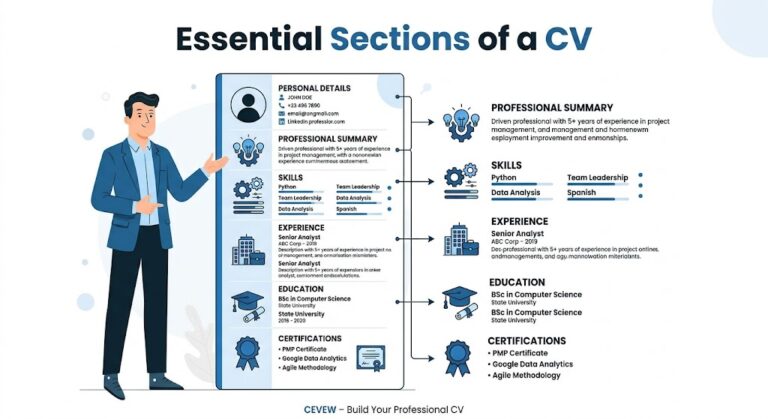
Imagine a student who just finished learning web design but has nothing to show employers. Or a freelancer who has skills but no proof of work online. This is where an online portfolio becomes powerful. It is your digital identity that shows your skills, experience, and real work in one place. Understanding How to Create an Online Portfolio is important because today most hiring decisions and freelance deals start online. A strong portfolio can speak for you even before you get a chance to talk.
What is an Online Portfolio and Why Do You Need It
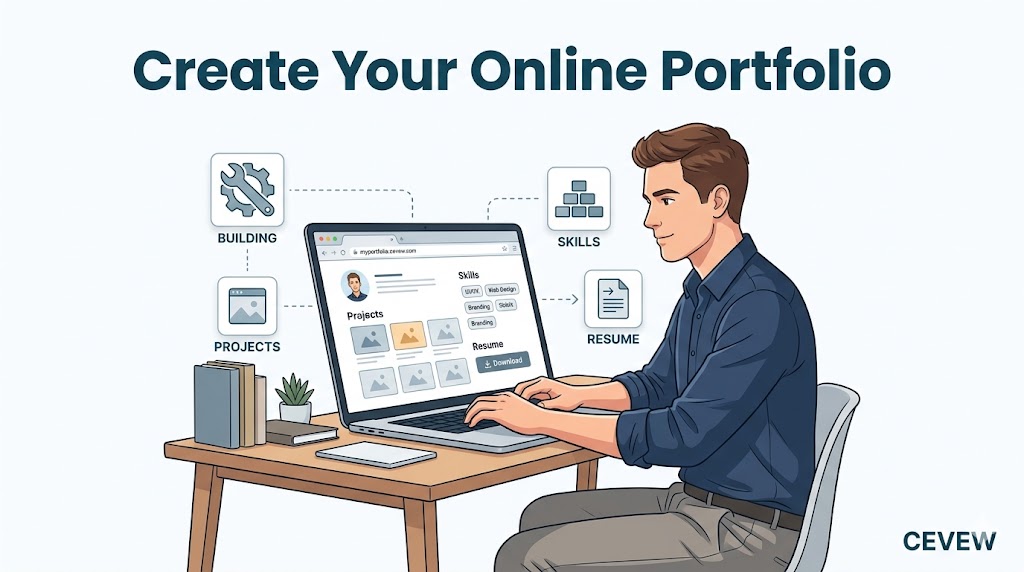
An online portfolio is a personal website or page where you showcase your work, skills, and achievements. It acts like a visual resume but more powerful because it shows real proof instead of just words.
Why it matters
- It builds trust with employers and clients
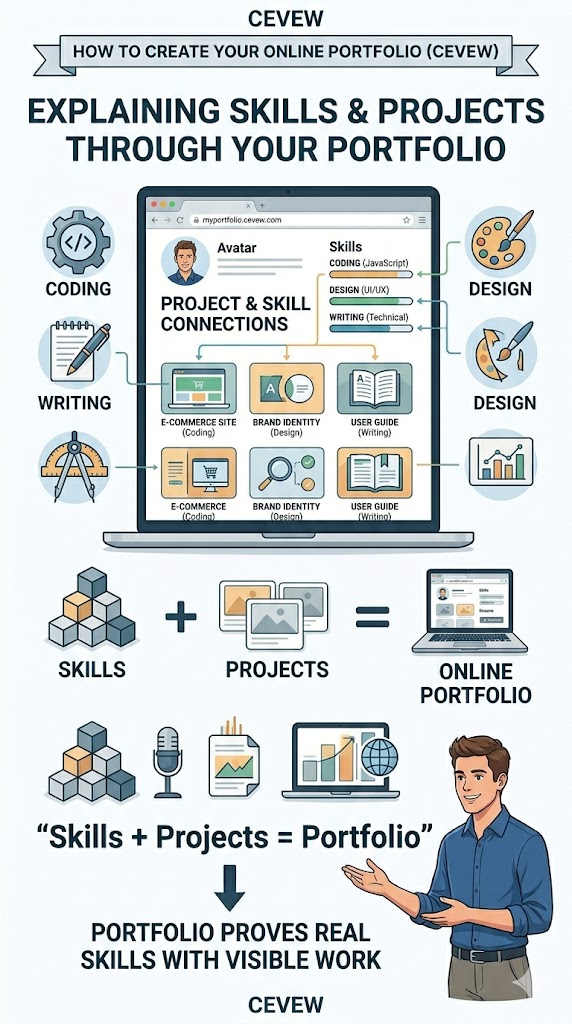
- It shows your real skills through examples
- It helps you stand out in job applications
- It increases your chances in freelancing
For example, instead of just writing I know graphic design, you show your actual designs. That makes a big difference.
What Should You Include in an Online Portfolio
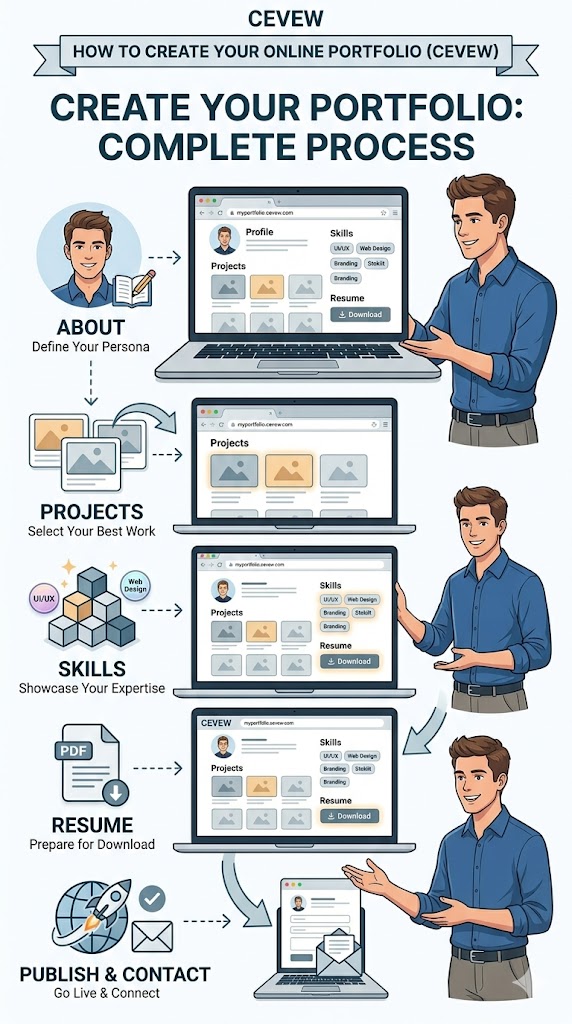
To understand How to Create an Online Portfolio, you need to know what sections to include. A complete portfolio should have:
1. About Me Section
Write a simple introduction about yourself. Include your skills, goals, and what kind of work you do. Keep it short and clear.
2. Work Samples
This is the most important part. Add your best work such as:
- Website projects
- Writing samples
- Design work
- Case studies
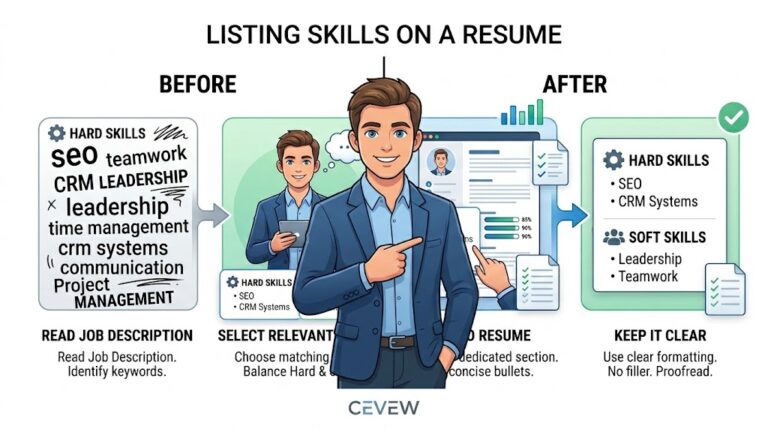
3. Skills Section
List your main skills clearly. If you are unsure how to present them, you can learn how to list skills on a resume here.
4. Contact Information
Make it easy for people to contact you. Add email, phone, or social links.
5. Resume
You can also add a downloadable Resume. If you don’t have one, you can create your Resume with no experince.
How to Create an Online Portfolio Step by Step
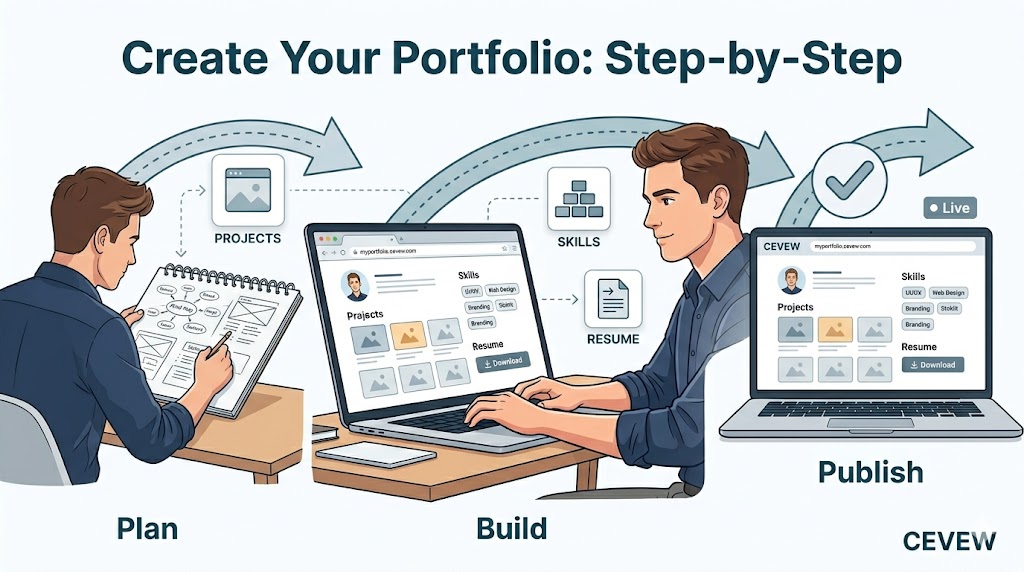
Here is a simple step-by-step method anyone can follow:
Step 1 Choose Your Platform
You can build your portfolio using:
- Personal website
- Portfolio builders
- Free platforms like Cevew.com
Choose something simple if you are a beginner.
Step 2 Pick a Clean Design
Keep your design simple and professional. Avoid too many colors or clutter. A clean layout helps users focus on your work.
Step 3 Add Your Best Work Only
Do not upload everything. Select 4 to 6 strong projects. Quality matters more than quantity.
Step 4 Write Clear Descriptions
Explain each project in simple words:
- What was the project
- What problem you solved
- What tools you used
Step 5 Optimize for Mobile
Most users view portfolios on phones. Make sure your site works well on mobile devices.
Step 6 Publish and Share
Once ready, share your portfolio link in:
- Job applications
- Freelance profiles
- Social media
You can also explore a portfolio guide to simplify the process.
What Are the Best Practices for a Strong Portfolio
Follow these tips to improve your portfolio:
- Keep it simple and easy to navigate
- Use real projects instead of fake examples
- Update it regularly with new work
- Use clear headings and structure
- Add testimonials if possible
Common Mistakes to Avoid
Many beginners make these mistakes:
- Adding too many projects
- Using poor-quality images
- Writing long and confusing descriptions
- Not including contact details
- Ignoring mobile optimization
Avoiding these errors will make your portfolio more effective.
Real-Life Examples of Online Portfolios
Example 1 Beginner with No Experience
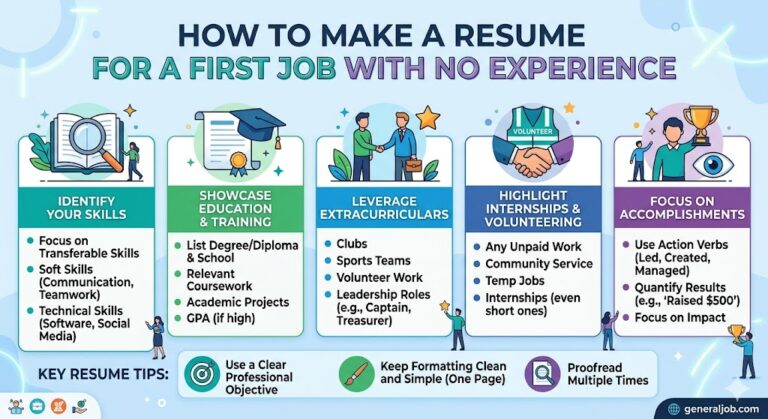
A beginner can create sample projects. For example, a web design student can build 2 demo websites. Even if they are not real client projects, they still show skills. This is similar to how someone builds a resume for a first job.
Example 2 Student Applying for First Job
A student can include:
- Academic projects
- Internships
- Volunteer work
For example, a student who created a college website project can showcase it with screenshots and explanation.
Example 3 Freelancer Building a Portfolio
A freelancer should focus on client work. For example:
- Before and after results
- Client testimonials
- Case studies
This builds trust and increases chances of getting more projects.
How to Format Your Portfolio for Better Results
Good formatting improves user experience:
- Use clear headings and sections
- Keep paragraphs short and readable
- Add images for visual clarity
- Maintain consistent fonts and colors
Think of your portfolio like a clean shop where everything is easy to find.
FAQs
What is the best platform to create an online portfolio
The best platform depends on your skill level. Beginners can use simple builders like WordPress, while developers can create custom websites.
How many projects should I include
Include 4 to 6 strong projects. Focus on quality instead of adding too many.
Can I create a portfolio without experience
Yes, you can create sample or practice projects. These still show your skills and learning ability.
Conclusion
Now you clearly understand How to Create an Online Portfolio from scratch. Start by choosing a simple platform, add your best work, and keep everything clear and professional. Your portfolio is your digital proof of skills, so treat it seriously. Whether you are a student, job seeker, or freelancer, building a strong portfolio can open real opportunities. Start today and keep improving it over time.